
EDIT 26/06/2020: A new preview post has been published here.
EDIT 29/05/2020: A new preview post has been published here.
Ok, I must really be in love of this little thing because I spent my last three weeks trying to understand how it works, software side.
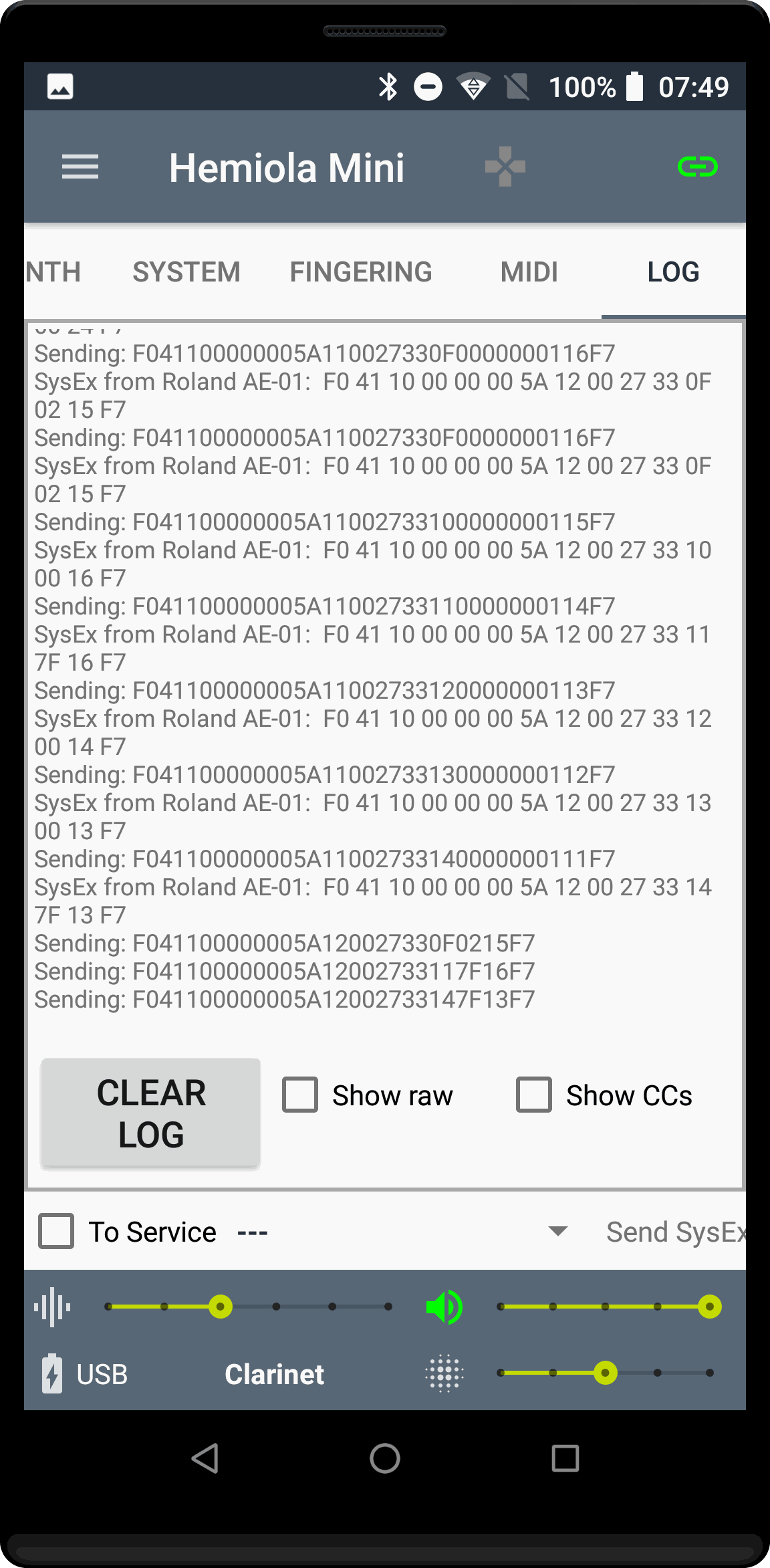
I first decoded almost all of the chat between the Roland Aerophone mini + app (the official one) and the Mini: it is made of special MIDI messages (SysEx) that contain all the information and the commands necessary to control the instrument via software. In one of my next articles I will publish all my findings.
In order to understand the sysex messages I had to use a fantastic Android MIDI app by Phil Burk, MidiScope. But then, being an Android developer myself, I needed to make some modifications so I downloaded the source code. One thing led to another, you know how it goes... So here it is!
Hemiola Mini, a companion app for the Roland Aerophone Mini
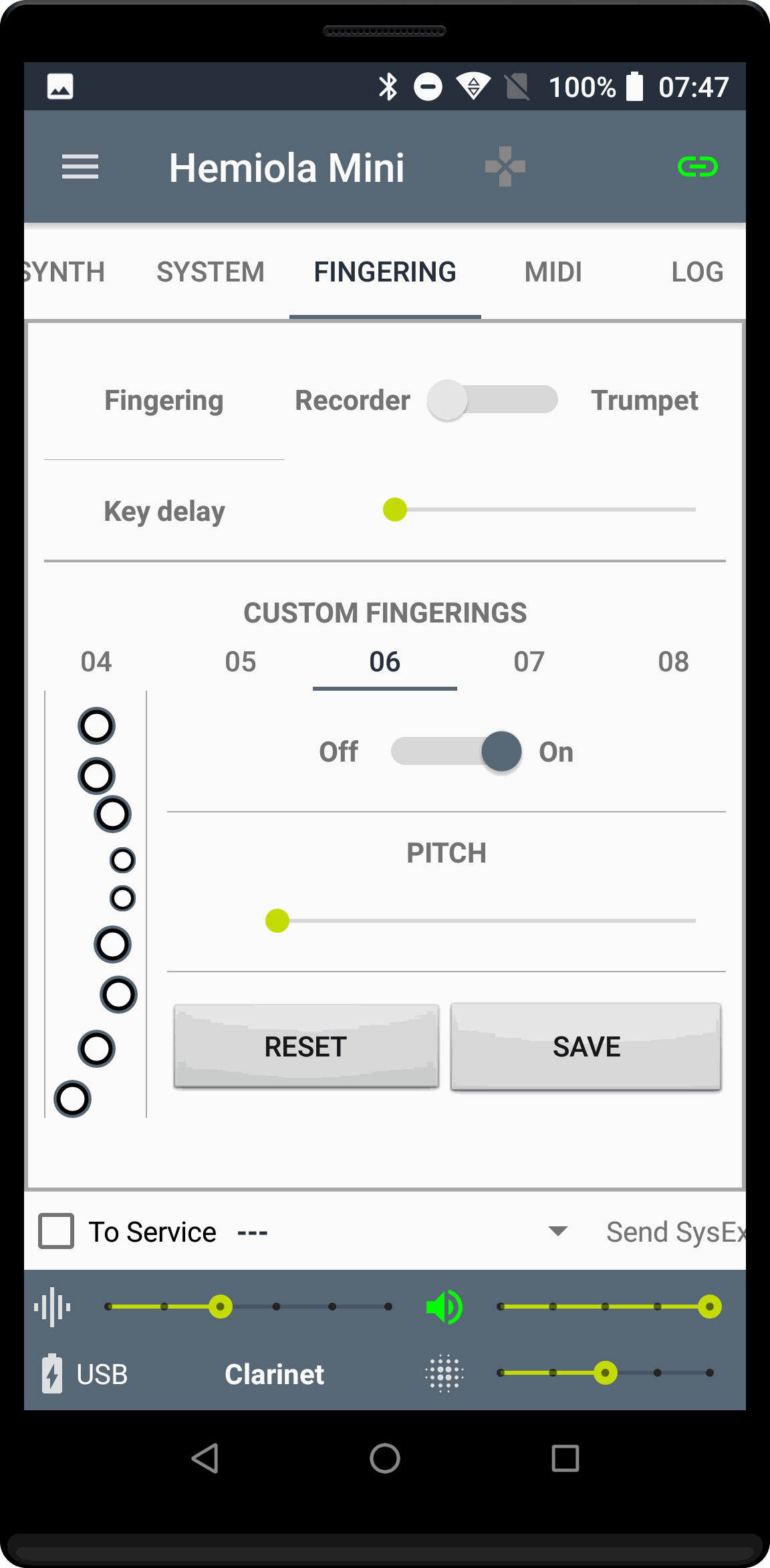
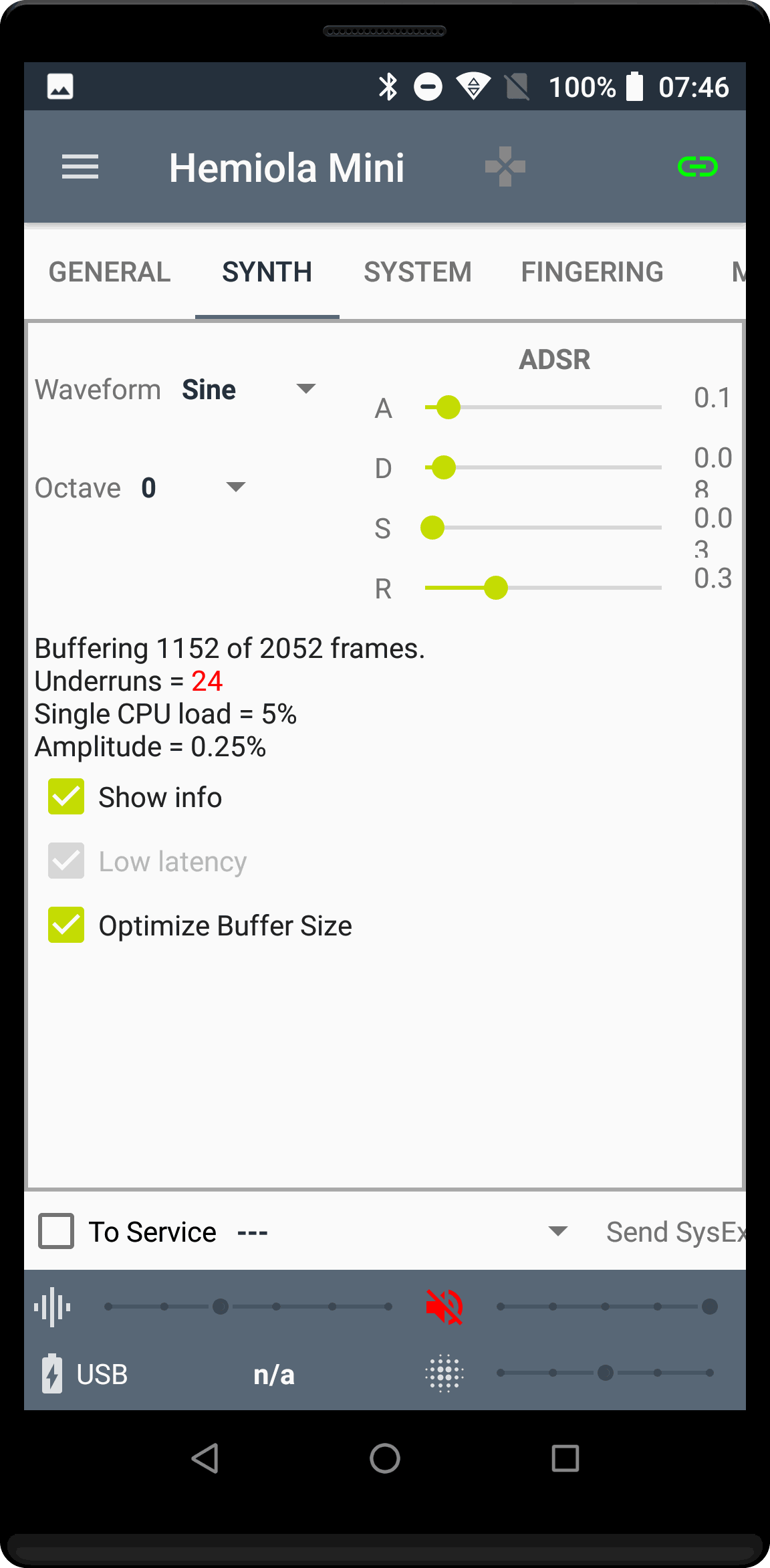
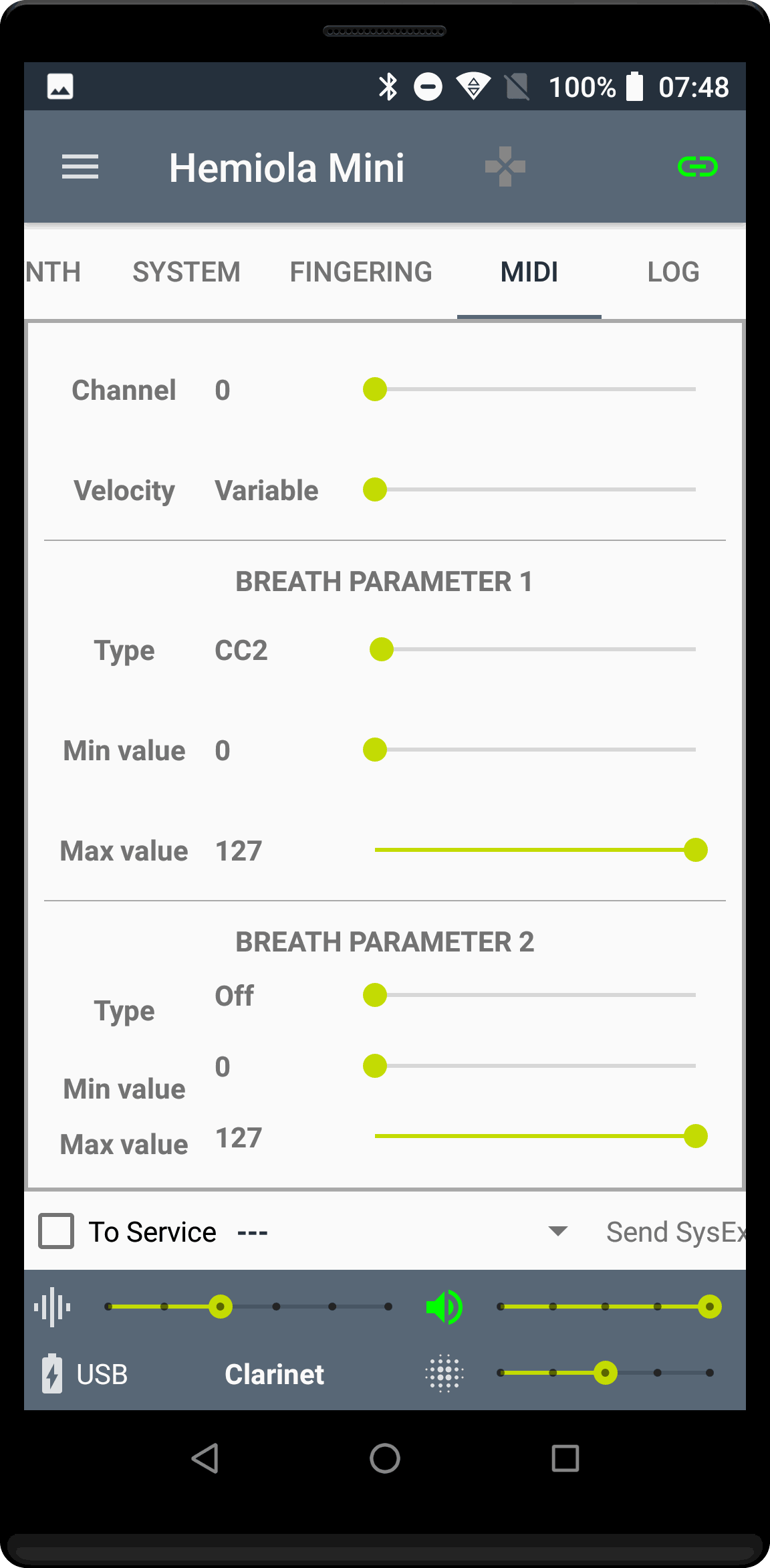
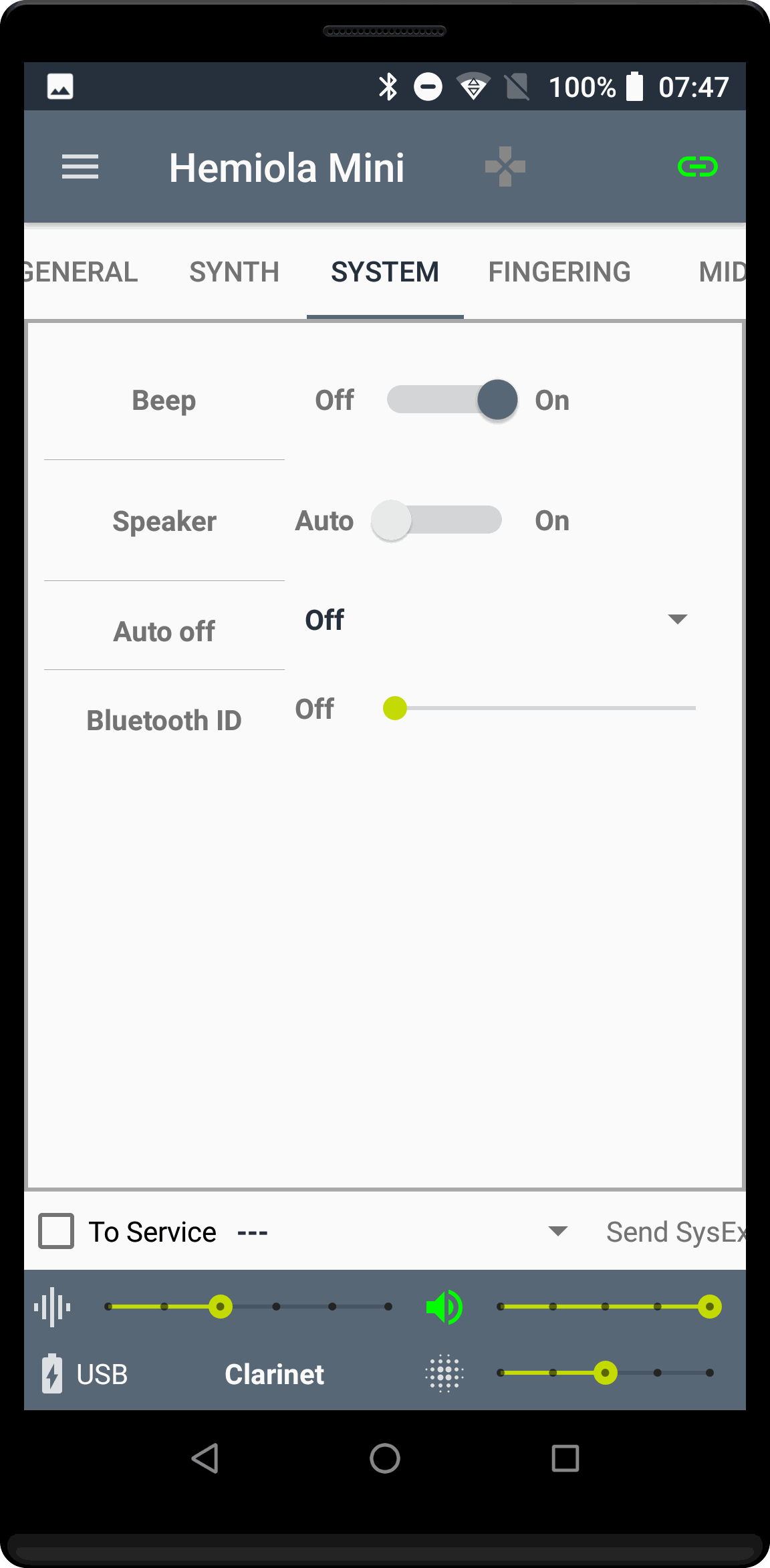
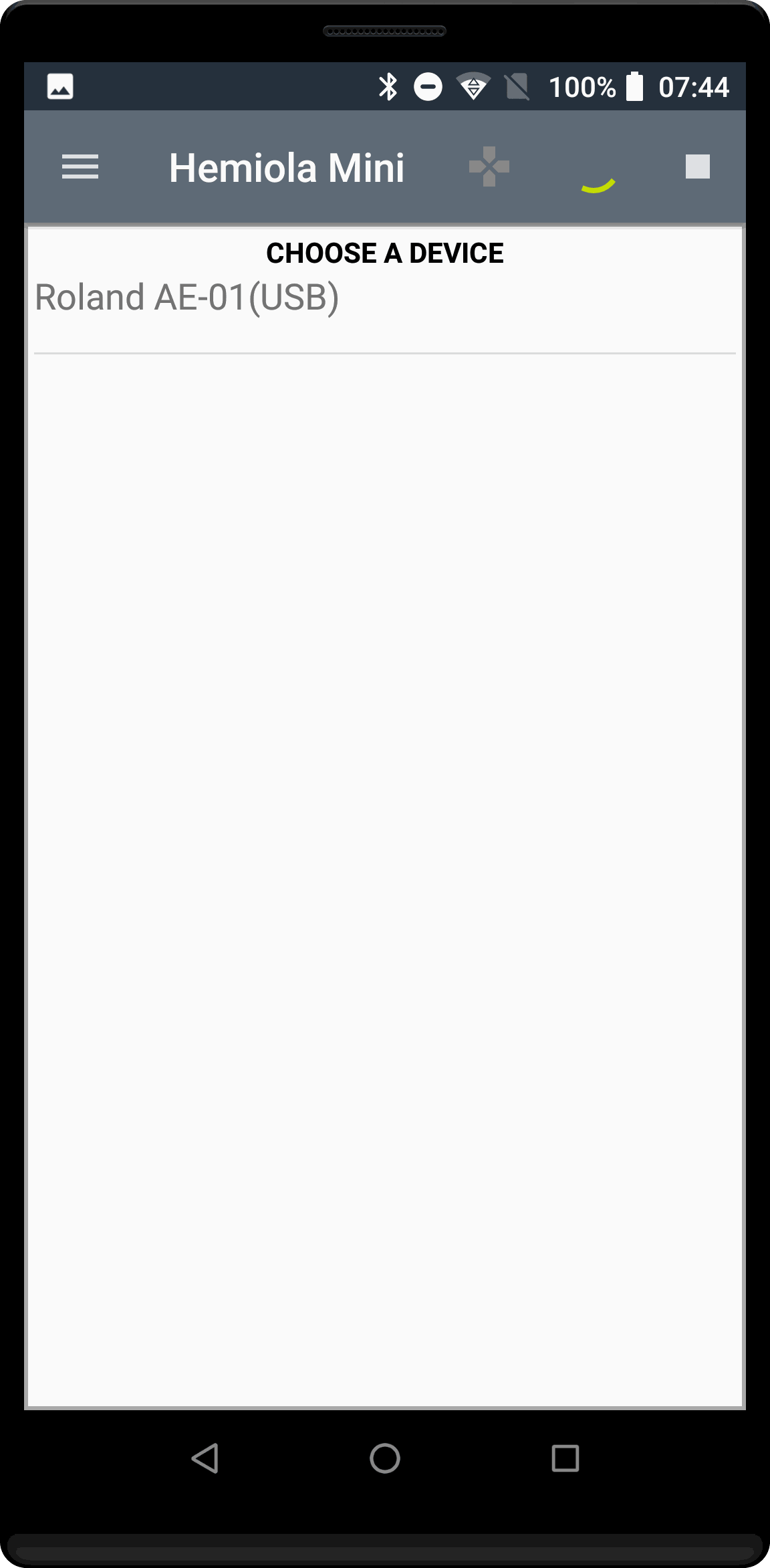
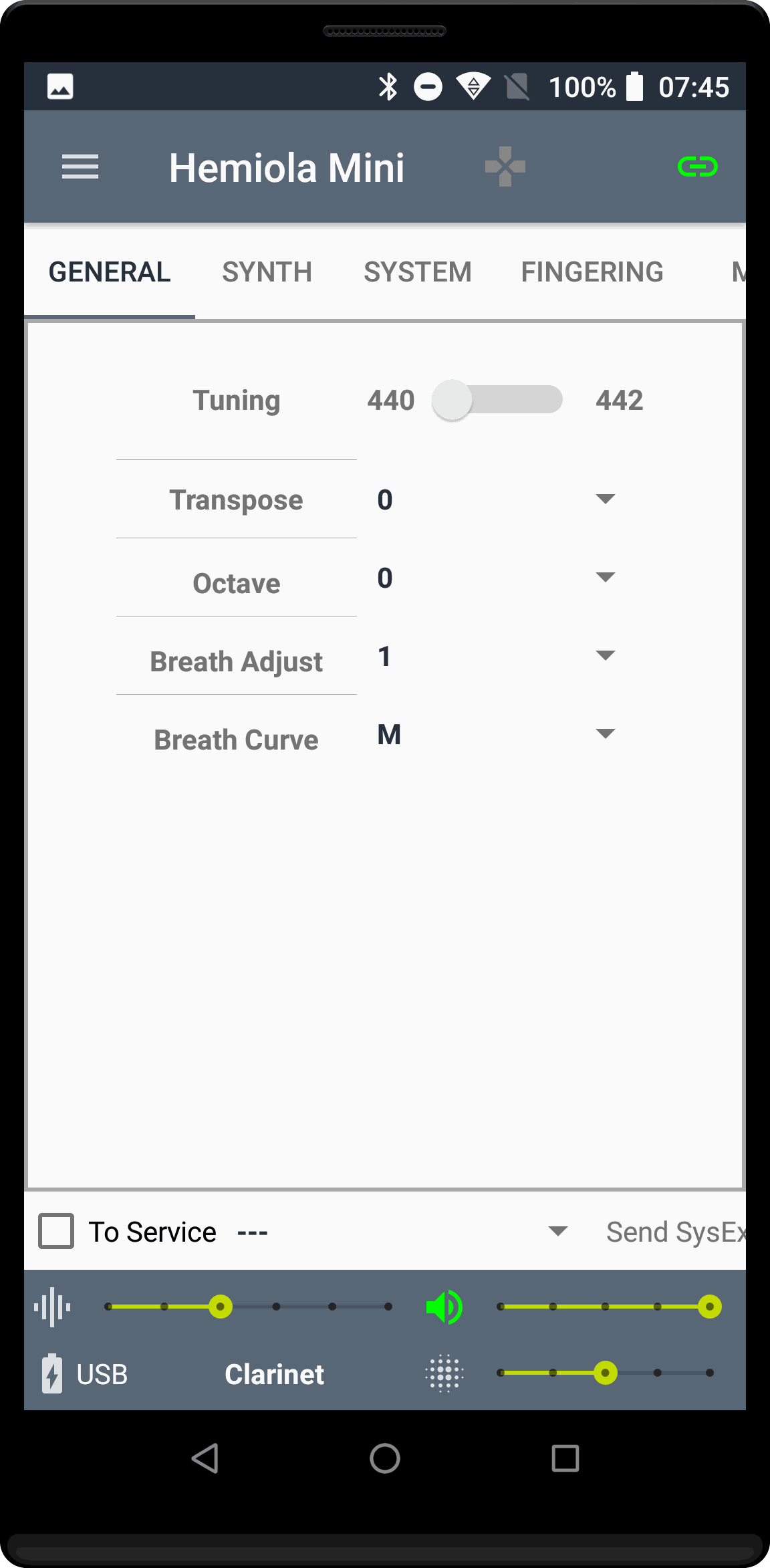
The app is almost completely working (I still need to finalize the fingering part). It supports USB and Bluetooth LE connections and allows to control all the main preferences for the Mini, as you can see in the screenshots below.
But it does more.
Synth
I have included into Hemiola and modified another example app by Phil Burk, MIDI Synth Ex: a very, very basic analog software synth to which I added an ADSR control and support for Breath controller. It works well, for what it is supposed to do.
On Android there is a basic problem with Audio latency: it varies from device to device. For example, my Huawei 30 Pro is by far worse than a 5-times-less-costing chinaphone that I have. So, beware... (Maybe more on this in another future article).
MIDI Routing
Hemiola is capable of staying between the Mini and any other MIDI app (including the Roland one). This means that you can control the Mini (with Hemiola) while using another app to make sounds.
Pad mode / Layers
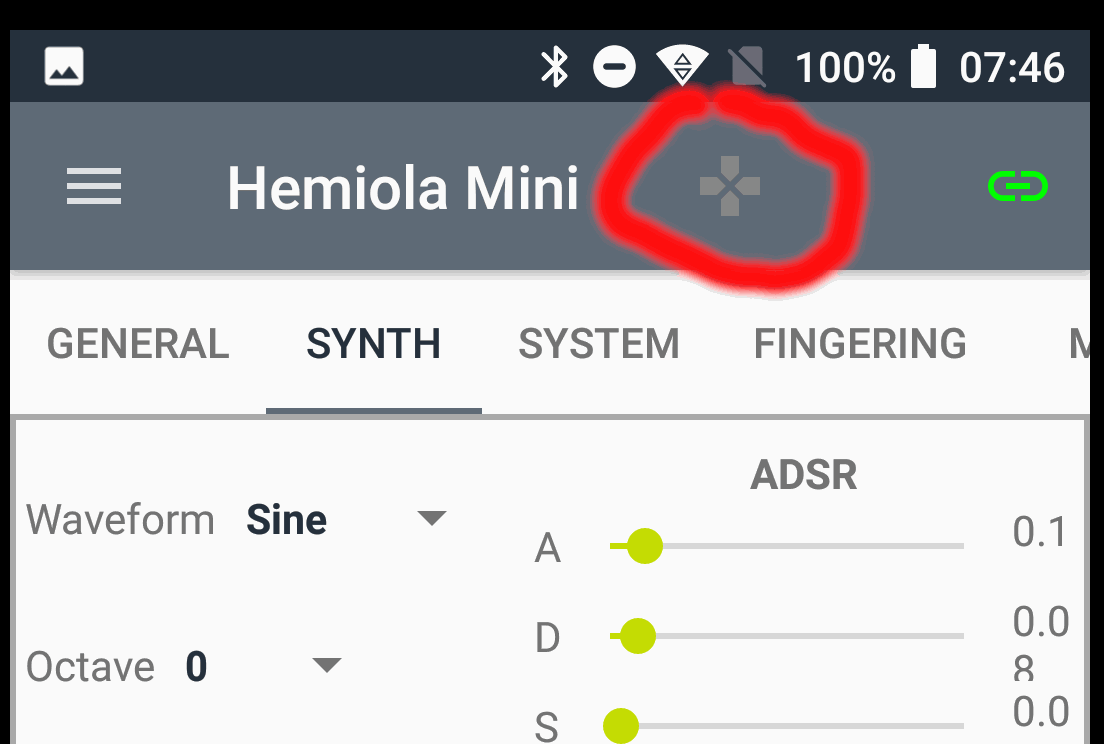
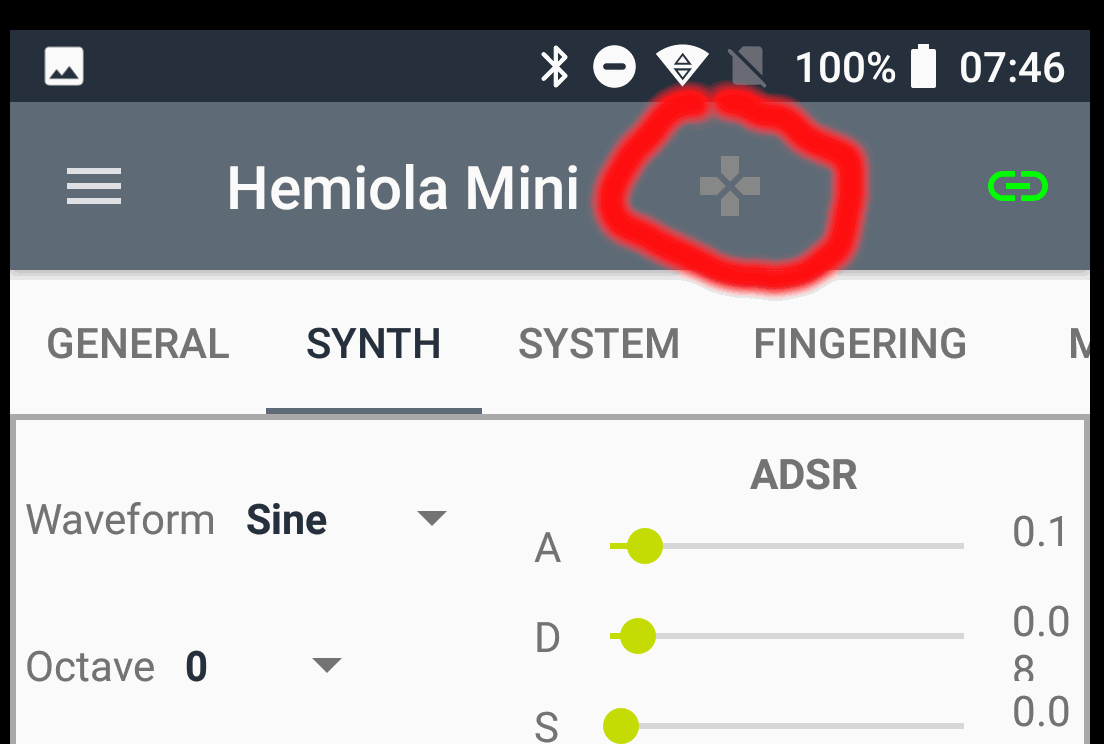
Ok, this is really cool. You see that little gamedpad-like icon on the top bar? It switches on a very special function in the Mini that allows to receive info on single pressed keys. It means that you can associate a different note to each single key on the Mini (octave keys included) and hold it as long as you keep the key pressed. So, if your sound app supports polyphony (the app's internal synth does), you can play chords or a very effective drum kit. It's like a piano keyboard or, more precisely, a MIDI control pad. Oh, and it keeps the breath controlling part on!
I hope I will be releasing Hemiola Mini very soon, probably through a beta testing program on Google Play Store. In the meanwhile, all comments/suggestions are welcome!
- __
-
-
-
-
-
-
-
- __
-
-
-
-
-
-